
Contactless Payments for Car Washes: What Operators Should Know
A customer is ready to wash their car—but the pay station only accepts coins, and they don’t have any. At an unattended wash, that extra step can be enough to lose the sale. Contactless payments for car washes give customers another way to pay quickly, whether they use a tap-enabled card or a mobile wallet.
Adding payment options is not a guarantee of higher revenue. It does, however, remove a common point of friction. Here’s what to consider before upgrading a self-serve bay or automatic wash entrance.
What counts as a contactless car wash payment?
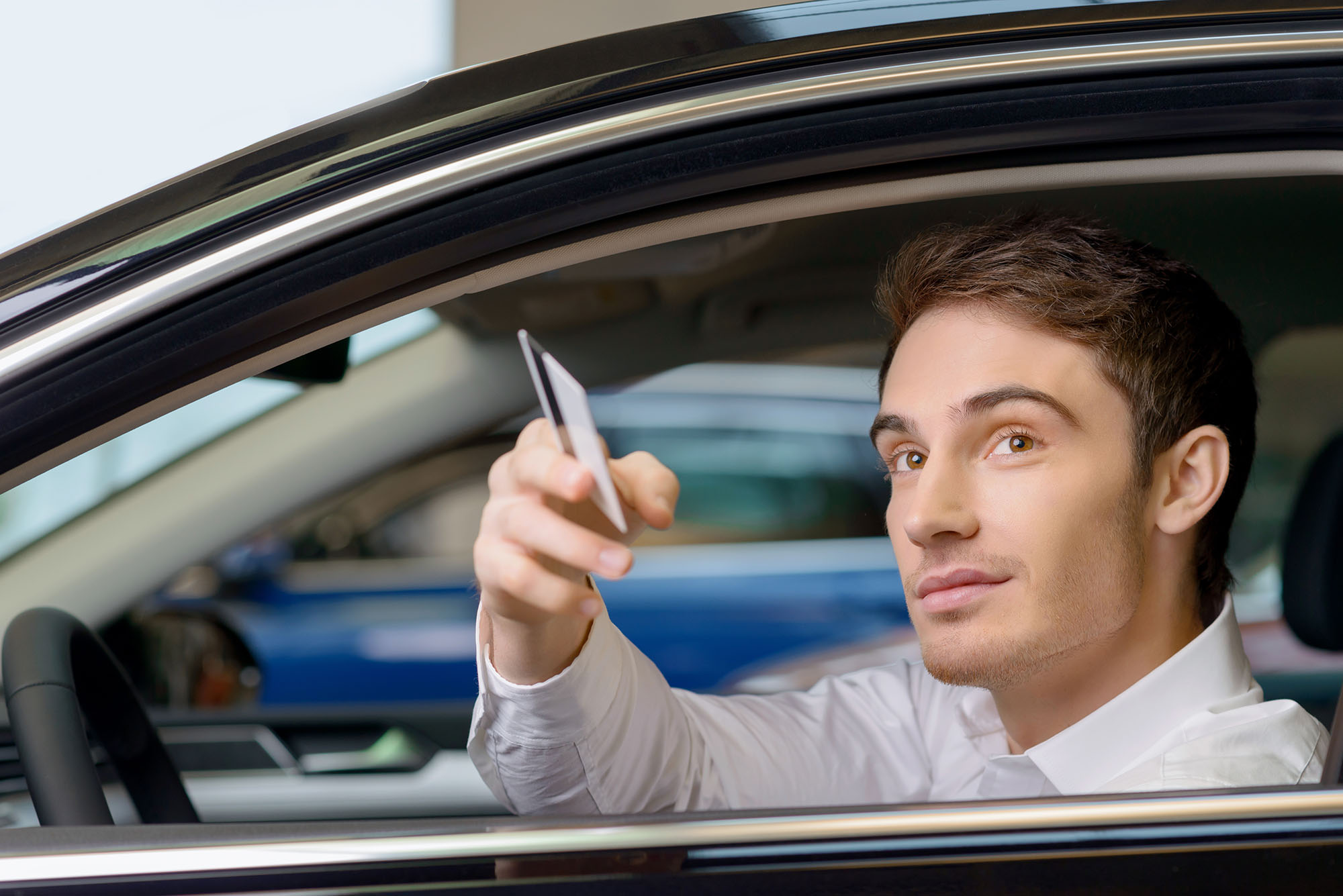
A contactless payment lets a customer pay without inserting or swiping a card. Tap-enabled credit and debit cards, Apple Pay, Google Pay and Samsung Pay commonly use near-field communication (NFC) at the reader.
Cashless is a broader term: chip and swipe payments are cashless, but they are not contactless. A mobile app may also let customers purchase or activate a wash, depending on the system. Offering more than one method helps customers pay in the way that works for them.
Why offer more ways to pay?
Payment is part of the wash experience. If a customer has to find cash, exchange bills for coins or leave a bay to use another machine, starting a wash takes more effort. This is especially important at unattended locations, where no employee is available to help.
For operators, a modern pay system can also support wash-package selection, promotions or membership programs when paired with compatible software. The practical goal is to make it easier to complete a purchase—not to assume that every contactless customer will spend more.
Where should a car wash add contactless payments?
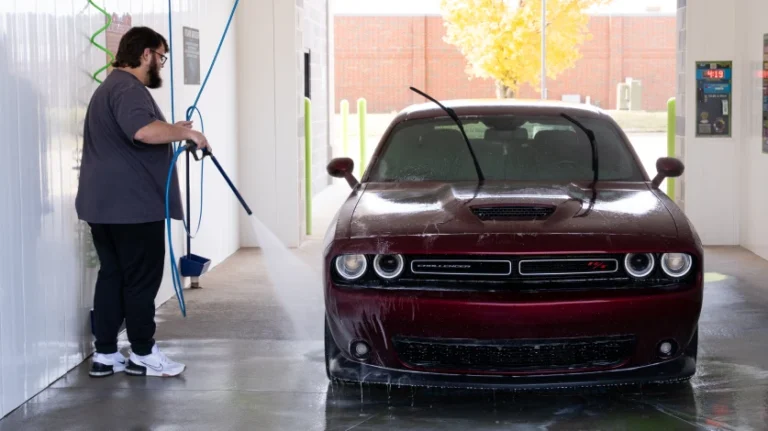
Start where customers encounter the most payment friction. That might be an automatic wash entry station, a self-serve bay or a coin-only vacuum. Before buying readers, confirm which options work with each piece of equipment; compatibility at one station does not mean the same hardware will work everywhere.
If you operate an unattended wash, also plan for network connectivity, weather exposure and what customers should do if a payment cannot be completed.
What should operators compare before upgrading?
Ask a payment-system provider about:
- Accepted methods: Tap-enabled cards, mobile wallets, chip, swipe and any app-based options your customers use.
- Equipment compatibility: Existing meters, wash controllers and entry stations.
- Total cost: Hardware, installation, processing fees, software and ongoing support.
- Reliability and security: Outdoor durability, connectivity, payment-data handling and support when a station is down.
- Customer experience: Clear instructions, accessible controls, receipts and a straightforward way to choose a wash.
Measure results after installation, too. Completed transactions, failed-payment reports, wash starts and customer feedback will tell you more than a general claim about contactless preferences.
How does WashCard All-Access fit in?
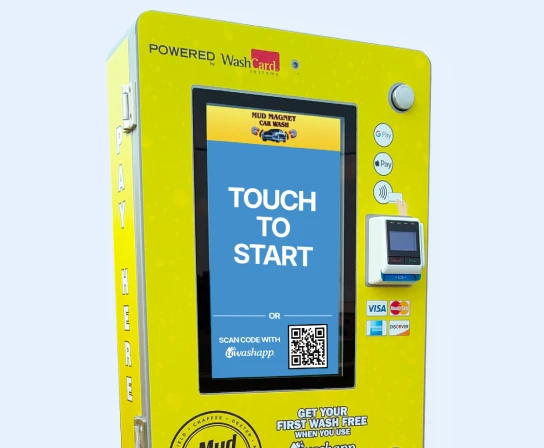
The WashCard All-Access Payment System supports tap-enabled cards and mobile wallets, along with chip and swipe payments. It can also work with UWashApp for app-based loyalty and membership options. Confirm the available setup for your particular bays and equipment before choosing a configuration.
D&S also offers a WashCard Cashless Payment Station for unattended in-bay automatic washes. The right choice depends on where customers pay today and which payment experience you want to offer.
Frequently asked questions
Do I have to stop accepting cash to add contactless payments?
No. You can evaluate contactless alongside your existing payment methods. Choose the mix that suits your customers, equipment and operating costs.
Can I add tap-to-pay to an existing self-serve bay?
Possibly. It depends on the meter, controller, power and connectivity available at that bay. Have a provider check compatibility before assuming a reader can be added.
Will contactless payments increase car wash revenue?
They may help customers who would otherwise struggle to pay, but results vary by location. Compare completed sales, transaction costs and customer feedback before and after the upgrade.
Make paying as easy as starting the wash
The best payment setup fits both your equipment and your customers. Explore D&S car wash pay systems to compare options for your site.